Available on Google Play

Photo. Emojis. Instant Art.

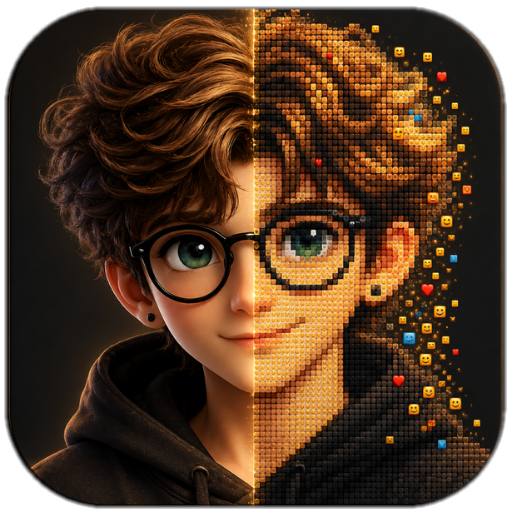
Turn any photo into breathtaking emoji mosaic art. Pick your quality, choose an emoji style, and watch your image transform into a pixel-perfect masterpiece made entirely of emojis.

🎨 Photo → Emoji Art
4 Quality Levels
💾 Save & Share
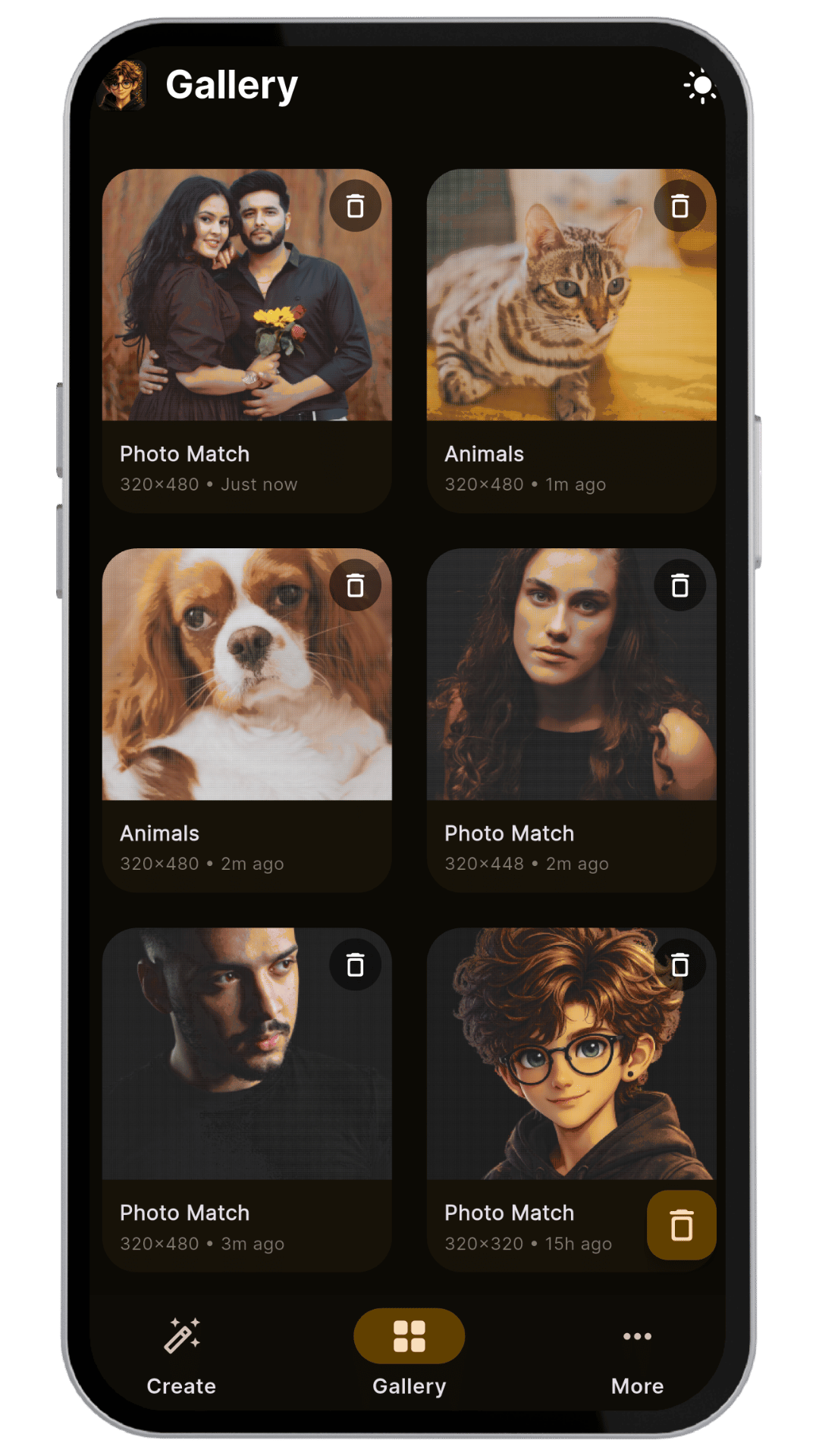
Emojical Gallery
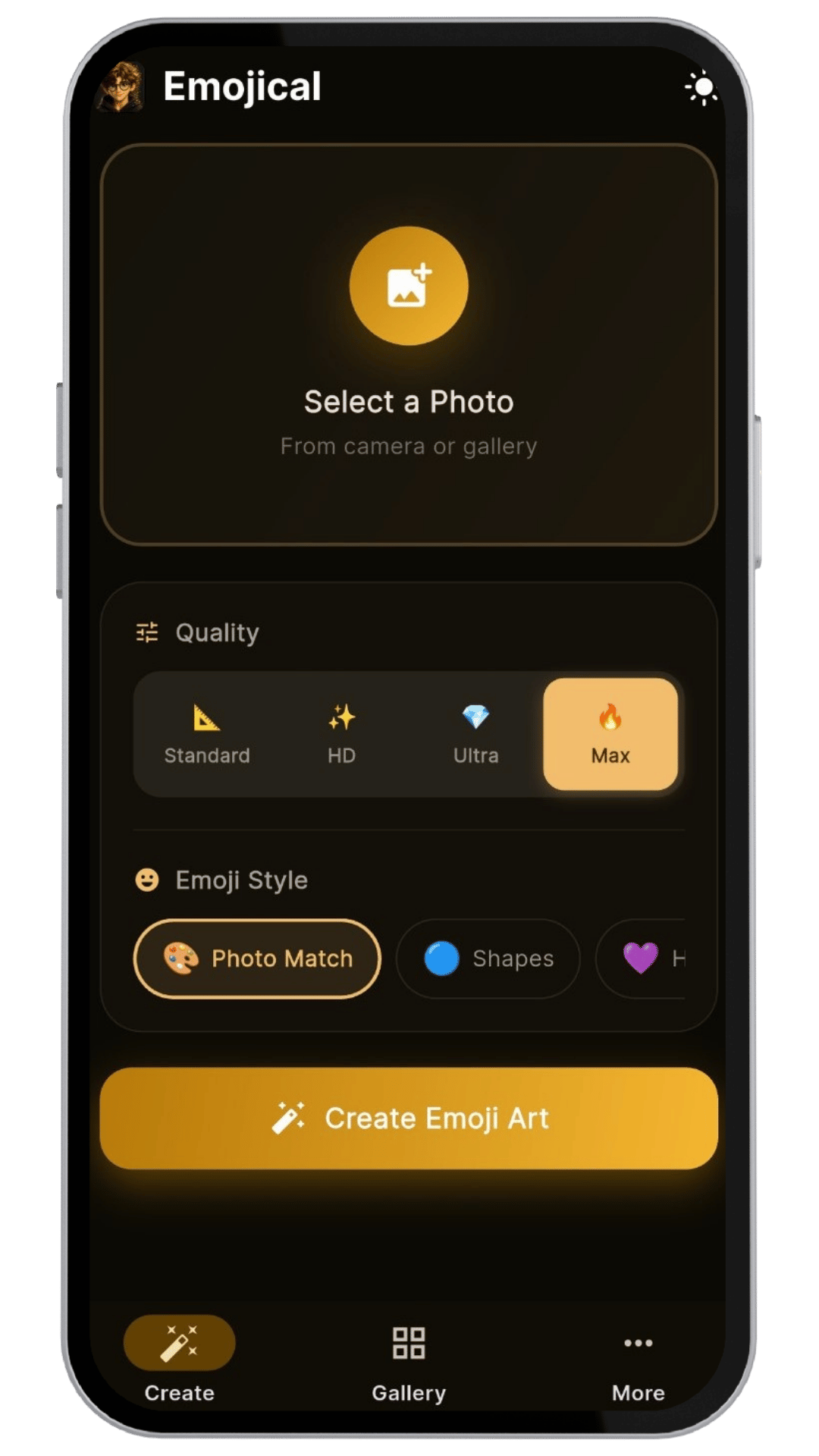
Emojical Create Screen
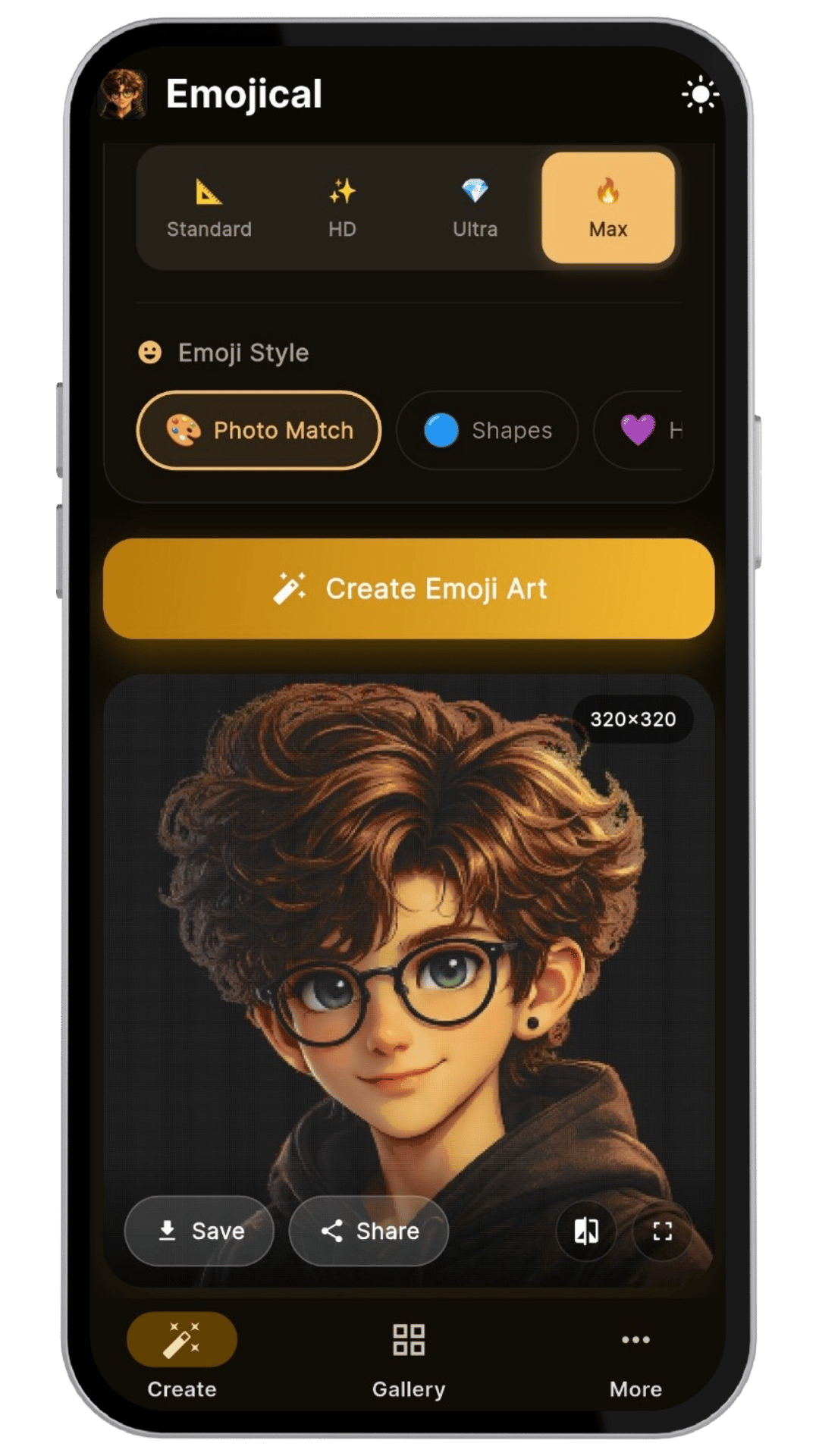
Emojical Result
Features

Everything to create
stunning emoji art

A powerful yet simple app that turns ordinary photos into extraordinary emoji mosaics.

Photo to Emoji Art

Select any photo from your camera or gallery and instantly transform it into a beautiful mosaic made entirely of emojis. Pure pixel-level precision.

4 Quality Levels

Choose from Standard, HD, Ultra, or Max quality for the perfect balance between speed and detail. Max delivers the most stunning results.

Multiple Emoji Styles

Photo Match for color-accurate mosaics, Shapes for geometric patterns, Hearts for love-themed art — pick the style that fits your mood.

Built-In Gallery

All your emoji art creations are automatically saved. Browse them in a beautiful grid gallery with timestamps, dimensions, and style labels.

Save & Share

Download your emoji art directly to your device or share it instantly with friends and family on any social media or messaging platform.

Dark & Light Mode

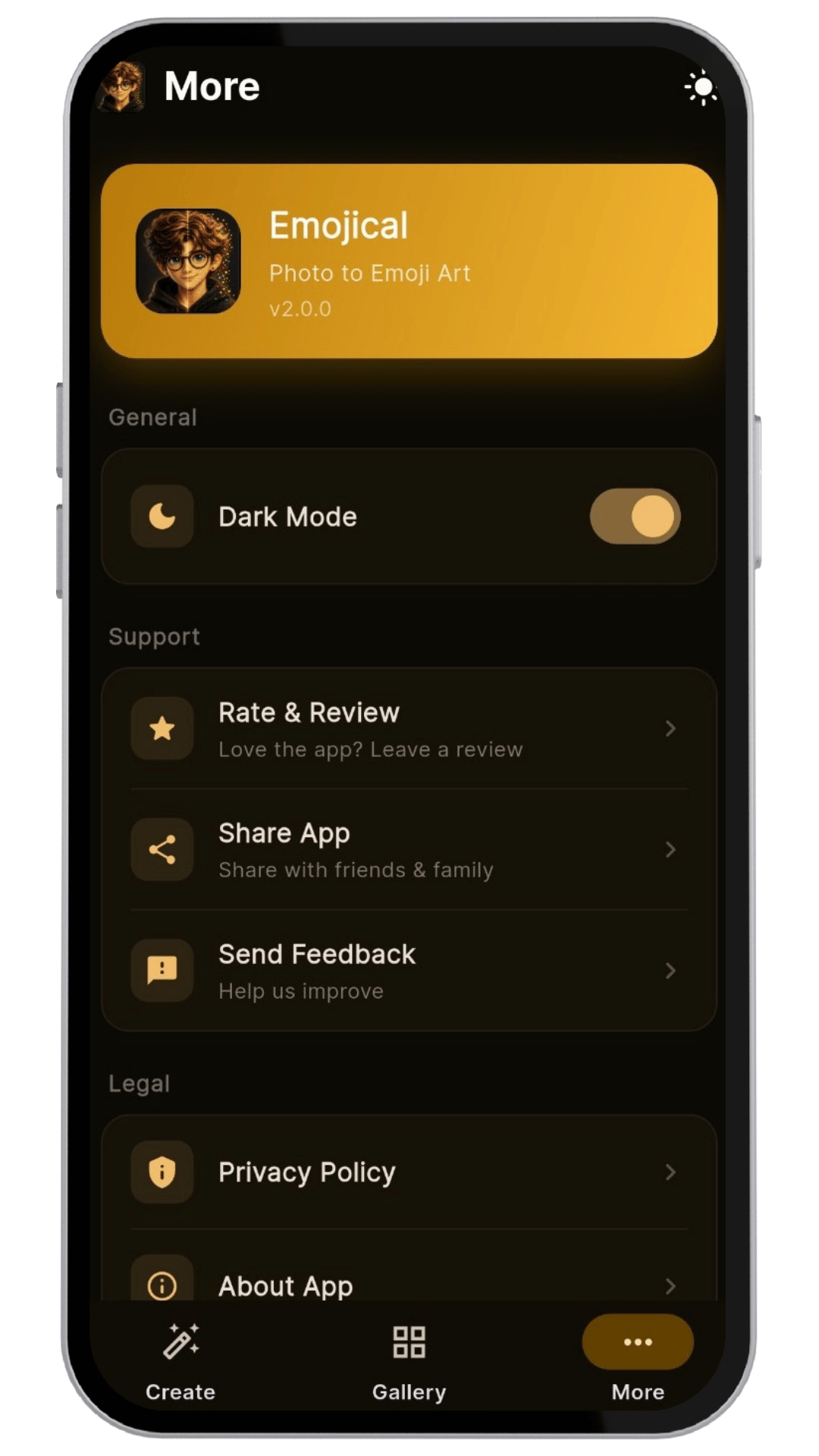
Switch seamlessly between dark and light themes. The golden UI adapts beautifully to both, so you can create comfortably day or night.

App Showcase

See Emojical in action

Simple, Powerful Creator

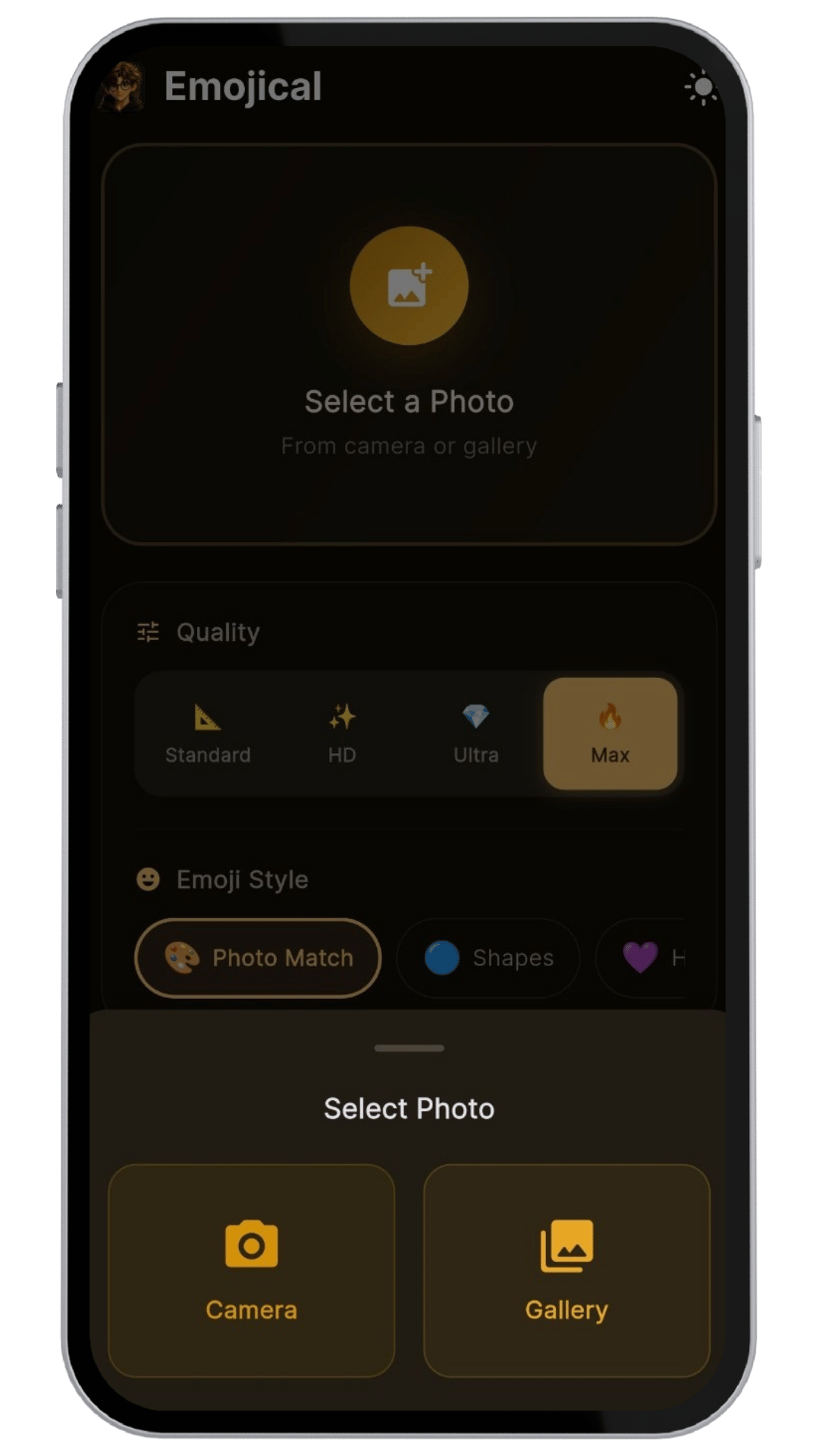
The create screen puts everything at your fingertips. Select a photo from camera or gallery, choose your quality level and emoji style, then tap one button to generate your art.

  • Select photos from camera or gallery instantly
  • 4 quality tiers: Standard, HD, Ultra & Max
  • 3 emoji styles: Photo Match, Shapes & Hearts
Emojical create screen

Watch the Magic Happen

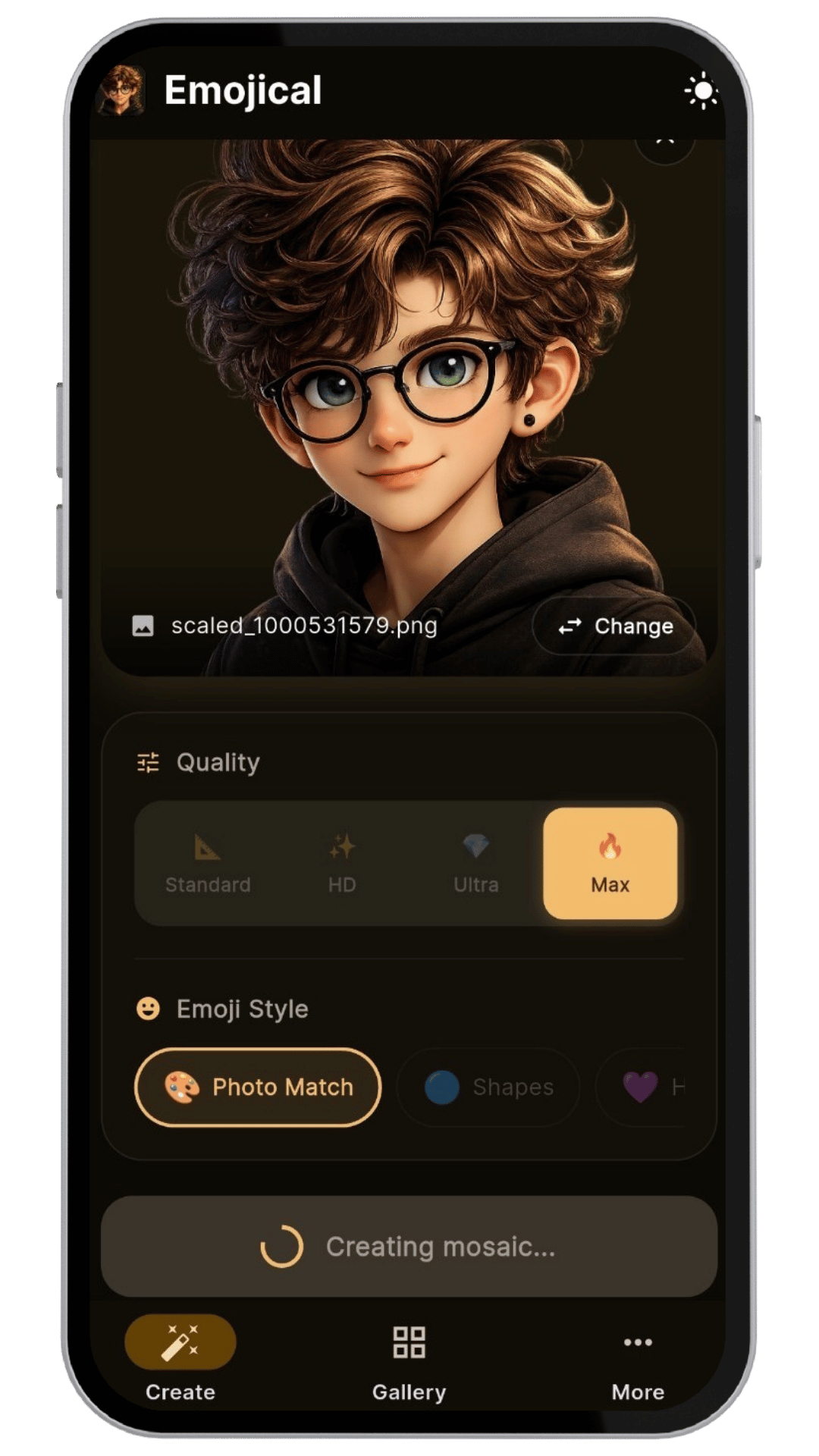
Once you select a photo, Emojical processes it in real-time. Watch as your image is broken down pixel-by-pixel and reconstructed with color-matched emojis.

  • Real-time mosaic generation with progress indicator
  • Preview your result with dimensions overlay
  • Save to device or share directly from the result screen
Emojical result and save

Your Emoji Art Gallery

Every creation is saved automatically to your personal gallery. Browse through your emoji art collection with style labels, timestamps, and resolution details.

  • Beautiful grid layout with art thumbnails
  • Style labels (Photo Match, Animals, etc.) & timestamps
  • Delete or manage your collection easily
Emojical gallery view

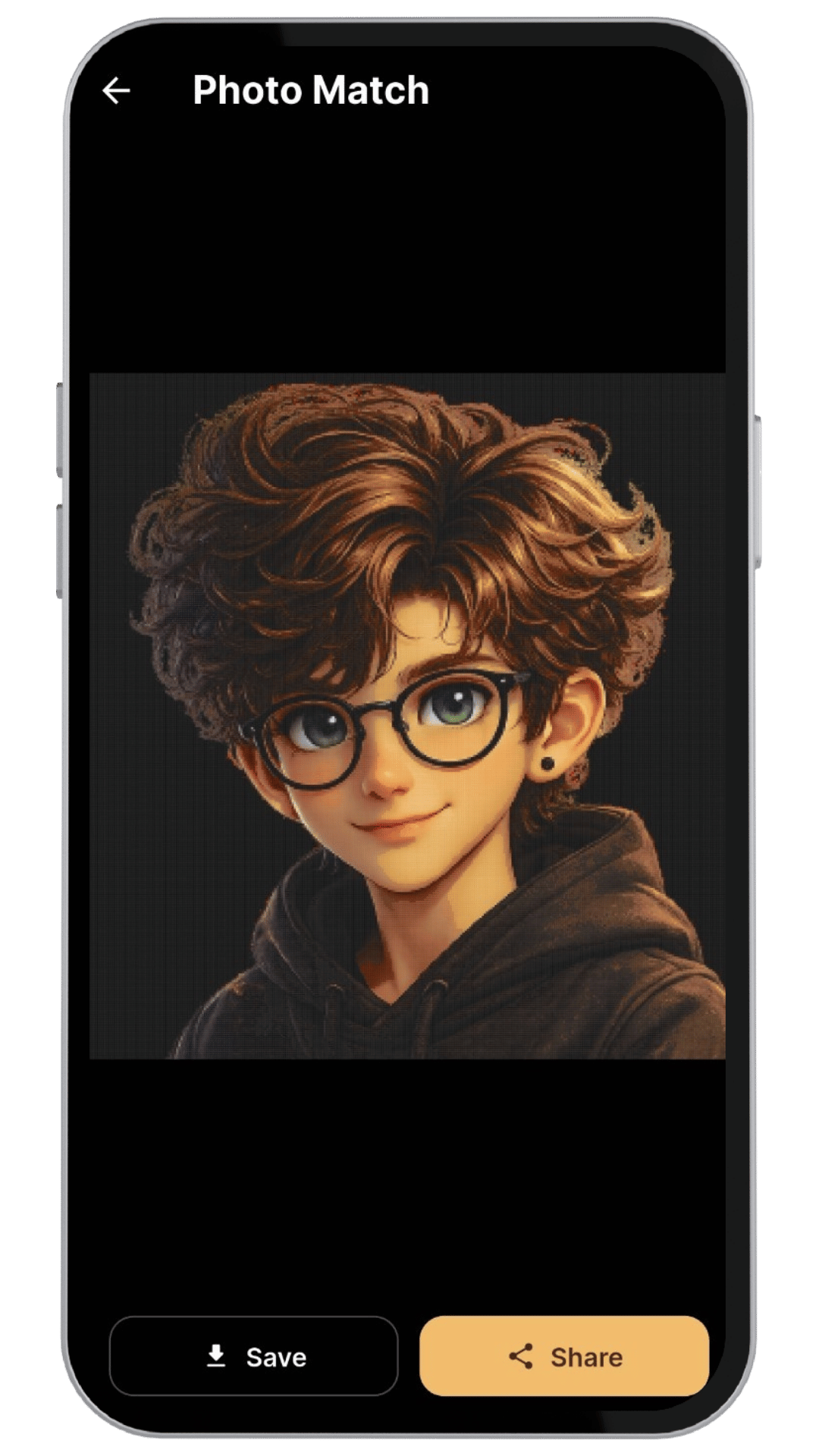
Full-Screen Viewing & Sharing

Open any artwork in full-screen to appreciate every detail. Save the high-quality image directly or share it with anyone — one tap and it's out there.

  • Full-screen art viewer with zoom support
  • One-tap save to device storage
  • Share directly via any messaging or social app
Emojical full screen viewer

Beautiful in Every Mode

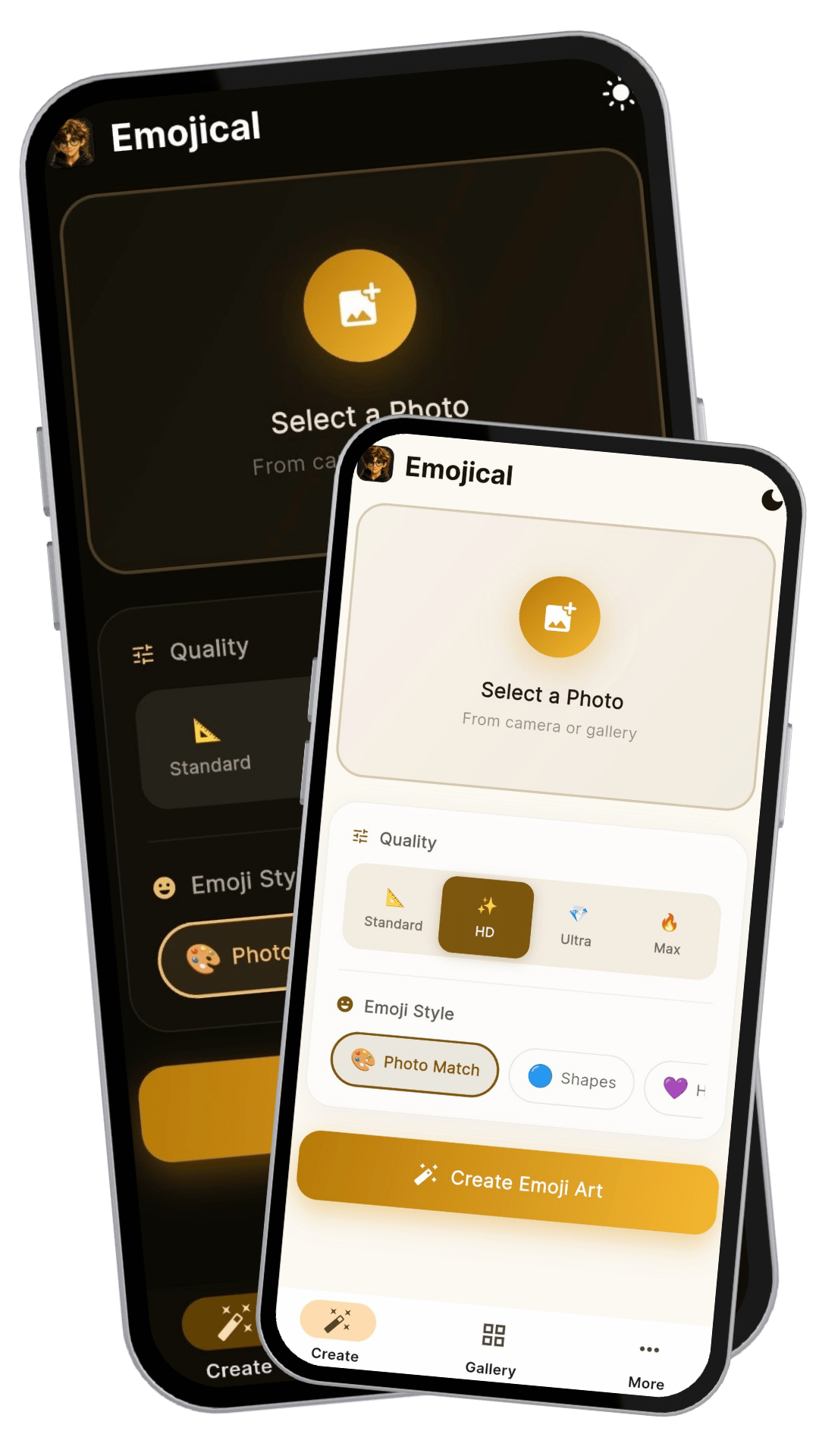
Emojical supports both dark and light themes with a gorgeous golden accent that looks stunning in either mode. Settings, feedback, and privacy controls are all easily accessible.

  • Dark mode with warm amber tones
  • Light mode with clean golden accents
  • Rate, share, and send feedback right from the app
Emojical dark and light mode
Emojical

Ready to create
emoji art?

Free to download. Your next masterpiece is one photo away.

Download on Google Play